 fatafat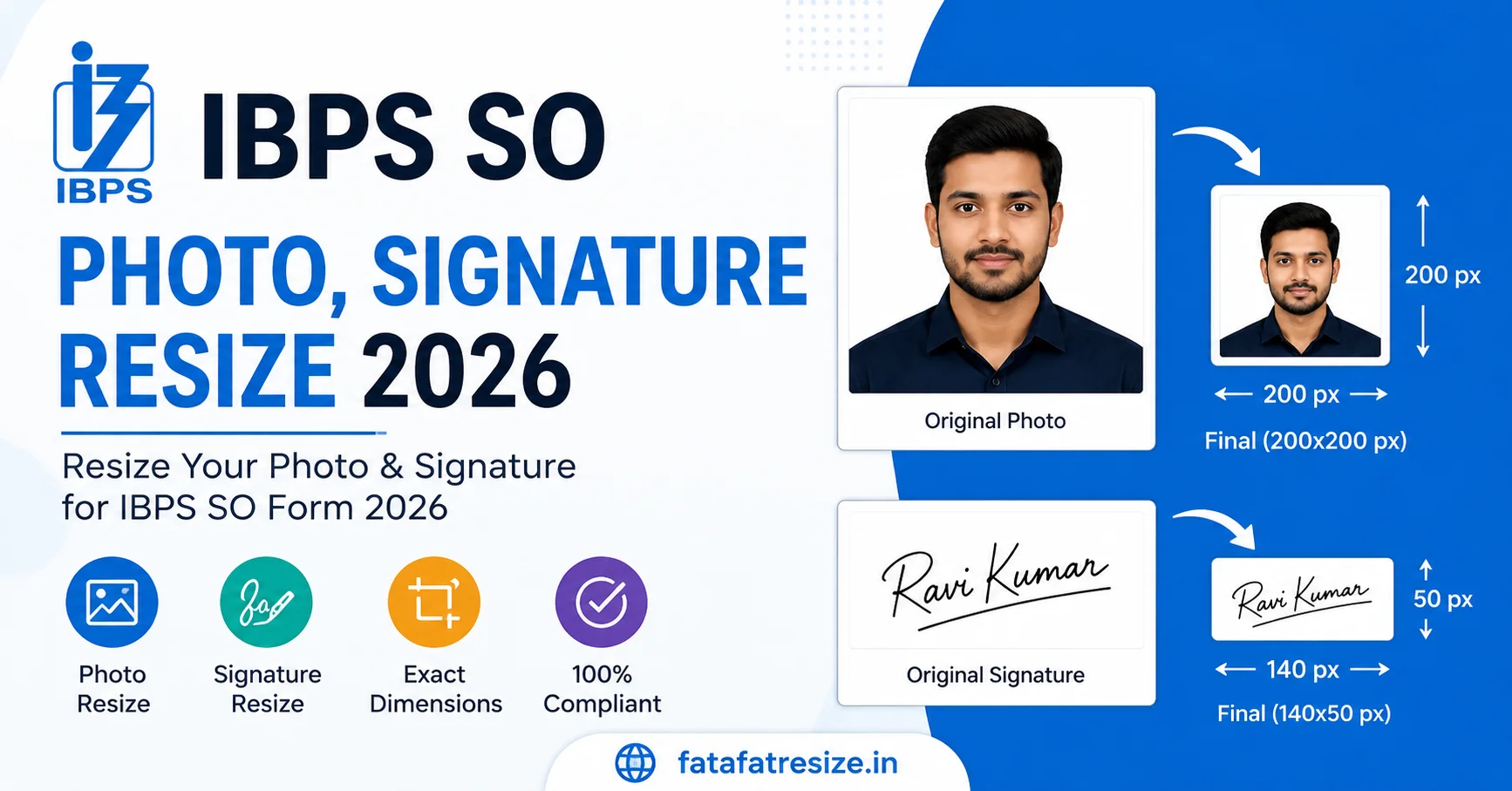
Quick Answer: For the IBPS SO 2026 application, your photo must be exactly 200x230 pixels (20-50 KB) with a white background. Your signature must be 140x60 pixels (10-20 KB) written in black ink using normal cursive (no capital letters). The left thumb impression requires 240x240 pixels (20-50 KB). IBPS SO 2026 फॉर्म के लिए, आपकी फोटो 200x230 पिक्सल (20-50 KB) और सिग्नेचर 140x60 पिक्सल (10-20 KB) होना अनिवार्य है। फोटो का बैकग्राउंड सफेद होना चाहिए और सिग्नेचर केवल काली स्याही से नॉर्मल हैंडराइटिंग (बिना कैपिटल लेटर) में होना चाहिए।
IBPS SO 2026 Official SpecsIBPS SO 2026 Official Specs
📸 Photo: 200×230 px | 20 KB - 50 KB | White background
✍️ Signature: 140×60 px | 10 KB - 20 KB | Black Ink (No Caps)
👍 Left Thumb: 240×240 px | 20 KB - 50 KB | Blue/Black Ink
📝 Declaration: 800×400 px | 50 KB - 100 KB | English Only
नोट: IBPS SO और IBPS PO की फोटो जरूरतें एकदम एक जैसी हैं।Note: IBPS SO vs IBPS PO photo requirements are the same.
फॉर्म रिजेक्ट होने के टॉप 3 कारणTop 3 Reasons for Form Rejection
- Block Letters (कैपिटल): सिग्नेचर या डिक्लेरेशन कैपिटल लेटर्स में लिखना सख्त मना है। (IBPS SO signature cursive handwriting rule).Block Letters: Signatures or declarations written entirely in CAPITAL LETTERS are strictly rejected (IBPS SO signature cursive handwriting rule).
- MIME Mismatch: फोटो .jpg में होनी चाहिए, अगर आप PDF या PNG अपलोड करेंगे तो 'IBPS SO application form photo upload error' आएगा।MIME Mismatch: Files must be standard JPG. Renaming a PDF or PNG to JPG causes the 'IBPS SO application form photo upload error'.
- बैकग्राउंड: फोटो का बैकग्राउंड सफेद (White background) होना ज़रूरी है।Background: The 'ibps so photo white background jpg format' rule is strictly enforced. No dark backgrounds.
हर साल हज़ारों कैंडिडेट्स का IBPS Specialist Officer का फॉर्म केवल गलत डाइमेंशन्स (जैसे ibps so photo dimensions 200x230 px सेट न कर पाना) की वजह से रिजेक्ट हो जाता है। FatafatResize का IBPS SO photo signature resizer free online टूल आपकी इस समस्या को 1 सेकंड में हल कर देता है।Every year, thousands of candidates face rejection for the IBPS Specialist Officer exam simply because they couldn't meet the strict pixel rules (like failing to set the ibps so photo dimensions 200x230 px). Our IBPS SO photo signature resizer free online tool solves this completely automatically.
IBPS SO फोटो और सिग्नेचर टूल (100% Free)IBPS SO Photo & Signature Tool (100% Free)
200×230 Photo · 140×60 Signature · 240×240 LTI · सही KBExact KB
IBPS Banking Resizer खोलेंOpen IBPS Banking Resizer100% मुफ्त · आपकी फोटो कभी सर्वर पर नहीं जाती100% Free · Your photos are never sent to a server
IBPS SO Photo Signature Size 2026: पूरी जानकारीIBPS SO Photo Signature Size 2026: Full Specification
नीचे दी गई टेबल में IBPS SO परीक्षा के लिए ज़रूरी चारों डॉक्युमेंट्स (IBPS specialist officer photo size) की एकदम सटीक जानकारी दी गई है। आपको इन्हें इसी साइज़ में अपलोड करना होगा:The table below details the exact specifications for all four documents required for the IBPS SO exam (IBPS specialist officer photo size). You must strictly adhere to these formats:
| डॉक्युमेंटDocument | पिक्सेल साइज़Dimensions (Pixels) | फ़ाइल साइज़ (KB)File Size (KB) | शर्तेंSpecial Rules |
|---|---|---|---|
| Passport Photo | 200 × 230 px | 20 KB - 50 KB | सफेद बैकग्राउंड, JPGWhite background, JPG |
| Signature | 140 × 60 px | 10 KB - 20 KB | काली स्याही, कैपिटल नहींBlack ink, No Capitals |
| Left Thumb (LTI) | 240 × 240 px | 20 KB - 50 KB | काली/नीली स्याहीBlack/Blue ink |
| Declaration | 800 × 400 px | 50 KB - 100 KB | काली स्याही, केवल अंग्रेजीBlack ink, English only |
नया नियम: IBPS SO Live Photo Webcam CaptureNew Rule: IBPS SO Live Photo Webcam Capture
2026 से, IBPS ने अपलोड की जाने वाली फोटो के साथ-साथ एक Live Photo खींचना भी अनिवार्य कर दिया है। इसके दो तरीके हैं:Since recent updates, IBPS has made it mandatory to capture a Live Photo in addition to the uploaded scanned photo. There are two ways to do this:
- Webcam (लैपटॉप/कंप्यूटर): फॉर्म भरते समय सीधे वेबकैम से अपनी फोटो क्लिक करें। पीछे की दीवार प्लेन होनी चाहिए।Webcam (Desktop/Laptop): Click your photo directly using your system's webcam while filling the form. Keep a plain background.
- Mobile QR Scan: अगर कंप्यूटर में कैमरा नहीं है, तो स्क्रीन पर दिख रहे QR Code को अपने मोबाइल से स्कैन करें, लिंक खुलेगा, वहाँ से लाइव फोटो क्लिक करके सबमिट कर दें।Mobile QR Scan: If your PC lacks a camera, scan the QR code displayed on the screen using your mobile phone. It opens a secure link to click and submit the live photo via your phone's camera.
FatafatResize Tool का उपयोग कैसे करें?How to Use the Free Online Resizer?
IBPS पोर्टल पर अपलोड से पहले Checklist ✅Final Checklist Before IBPS Upload ✅
- फोटो का बैकग्राउंड सफेद या बहुत हल्का है?Is the photo background strictly white or very light?
- सिग्नेचर काली स्याही से बिना कैपिटल लेटर्स (Not in BLOCK) के है?Is the signature in black ink and NOT in block letters?
- Handwritten Declaration में खुद का नाम सही लिखा है और काली स्याही का इस्तेमाल किया है?Is the handwritten declaration written in your own handwriting (not block letters) with black ink?
- फाइल का एक्सटेंशन सिर्फ .jpg या .jpeg है?Is the file extension only .jpg or .jpeg (No PDFs)?
अक्सर पूछे जाने वाले सवाल (FAQs)Frequently Asked Questions (FAQs)
IBPS SO फोटो साइज़ 2026 क्या है?What is the IBPS SO photo size 2026?
IBPS SO फोटो का साइज़ 20 KB से 50 KB के बीच होना चाहिए। इसके पिक्सेल डाइमेंशन्स 200x230 px (चौड़ाई x ऊँचाई) होने चाहिए और बैकग्राउंड सफेद होना अनिवार्य है।The IBPS SO photo size 2026 must be between 20 KB to 50 KB. The required dimensions are 200x230 pixels, with a white background in JPG/JPEG format.
IBPS SO सिग्नेचर के डाइमेंशन्स क्या हैं?What are the dimensions for IBPS SO signature?
IBPS SO सिग्नेचर का साइज़ 10 KB से 20 KB के बीच होना चाहिए। इसके डाइमेंशन्स 140x60 पिक्सेल (140 px चौड़ाई और 60 px ऊँचाई) निर्धारित हैं।The IBPS SO signature size must be between 10 KB to 20 KB. The exact IBPS SO signature dimensions are 140x60 pixels. It must be signed in black ink on white paper.
क्या मैं सिग्नेचर कैपिटल लेटर्स में कर सकता हूँ?Can I sign in block letters for IBPS SO?
नहीं, बिल्कुल नहीं। IBPS SO signature cursive handwriting rule के अनुसार, कैपिटल (BLOCK) लेटर्स में किए गए सिग्नेचर तुरंत रिजेक्ट कर दिए जाते हैं। नॉर्मल रनिंग हैंडराइटिंग का इस्तेमाल करें।No. According to the IBPS SO signature cursive handwriting rule, signatures in CAPITAL / BLOCK LETTERS will be strictly rejected. You must sign in a normal cursive style.
IBPS SO Live Photo capture कैसे काम करता है?How does the IBPS SO live photo webcam capture work?
फॉर्म भरते समय आप लैपटॉप के वेबकैम का उपयोग कर सकते हैं। अगर वेबकैम नहीं है, तो स्क्रीन पर 'Scan QR' का विकल्प चुनें, उसे मोबाइल से स्कैन करें और मोबाइल कैमरे से लाइव फोटो सबमिट करें।IBPS now requires a live photo capture. You can either use your desktop/laptop webcam directly during the application process or scan a QR code displayed on the screen to capture the live photo using your mobile phone's camera.
पोर्टल पर Photo Upload Error क्यों आ रहा है?Why is my IBPS SO photo upload showing an error?
यह एरर (MIME mismatch या invalid format) तब आता है जब आप गलत डाइमेंशन्स (200x230 px नहीं) या गलत KB रेंज फाइल अपलोड करते हैं। हमारे रिसाइज़र टूल का इस्तेमाल करें, यह अपने आप फिक्स हो जाएगा।Photo upload errors usually occur due to a MIME mismatch, incorrect file size, or wrong pixel dimensions. Ensure your file is strictly a standard JPG format, exactly 200x230 px for photos, and within the 20-50 KB range.